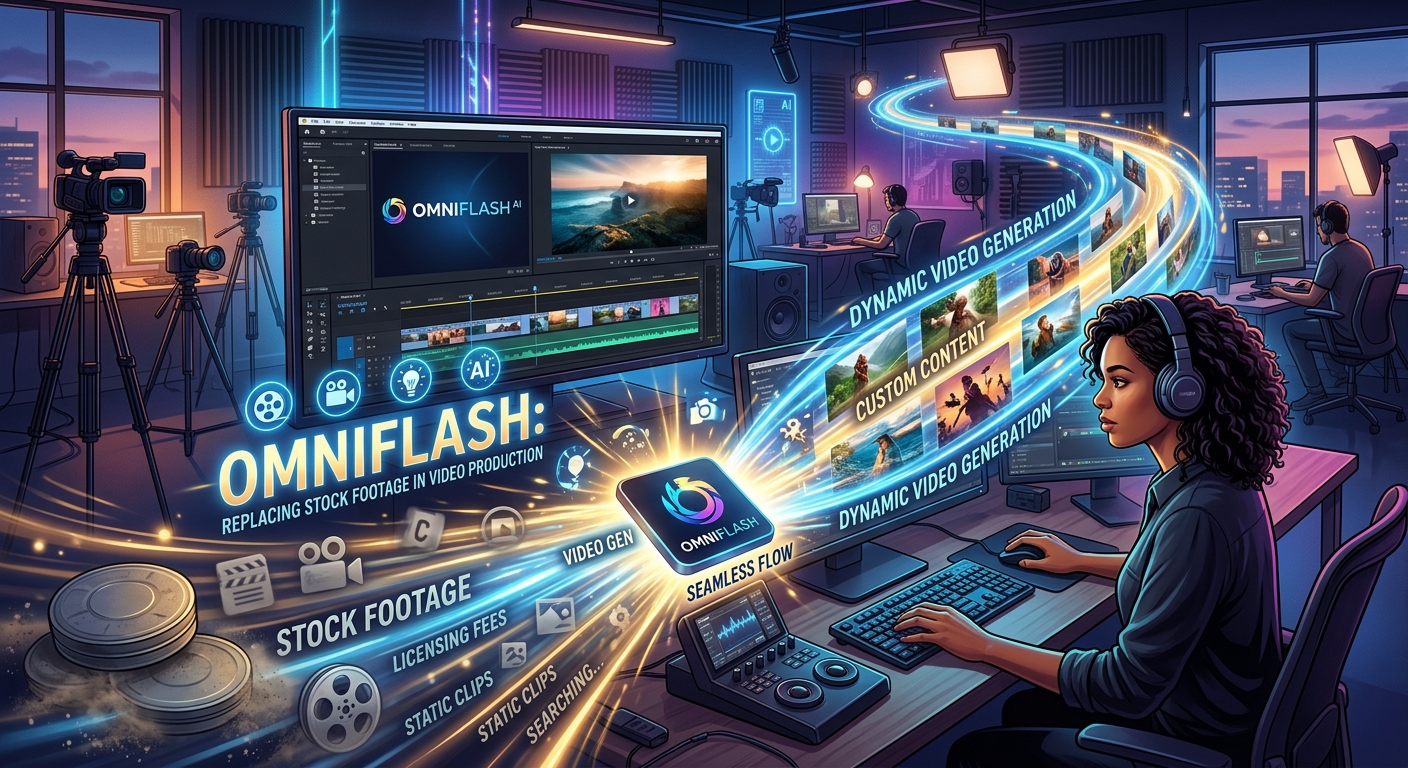
Browsing stock libraries takes longer than most people admit. You search for "sunrise drone shot," scroll through two hundred nearly identical clips, pay for the license, and spend twenty minutes color-grading it to match the rest of your project. That entire process can now be skipped for a large chunk of your workflow. Omniflash, Google's text-to-video model, lets you describe a shot in plain language and receive a generated clip within seconds. For content creators running tight timelines and tighter budgets, that shift is significant.
- Omniflash generates custom video clips from text prompts, cutting out stock library searches entirely
- Prompt specificity is the single biggest driver of output quality
- B-roll, abstract visuals, and atmosphere shots are where Omniflash consistently delivers
- Stock footage still has an edge for real-world locations and recognizable human faces
- Blending AI-generated clips with licensed footage in a single timeline is practical and increasingly common
The Baseline Most Creators Start With
Stock footage became the backbone of independent video production for one straightforward reason: filming everything yourself is expensive. A single shoot with a camera crew, location permits, and professional lighting can cost thousands of dollars. Stock libraries offered a practical shortcut. Creators could license polished clips for a fraction of that cost and drop them directly into their timelines.
If you are newer to video production, reading about stock images gives you a clear picture of what this type of licensed media actually is and how it gets used in real projects. The short version: stock footage consists of pre-shot clips that creators license from large online libraries, typically paying per clip or through a subscription plan.
The system works, but it has real friction. Results rarely match your exact creative vision. Licensing terms vary and can restrict commercial use. Popular clips appear in dozens of competing videos, which quietly dilutes your production's originality. These are the gaps that AI video generation was built to address.
What Text-to-Video Generation Actually Does
Text-to-video is exactly what the name suggests: you write a description, and an AI model produces a video clip from it. The underlying technology draws on generative video models trained on enormous datasets of visual media, learning to associate written descriptions with realistic motion, lighting, and composition.
Omniflash is Google's implementation of this approach. You type something like "a slow-motion pour of red wine into a crystal glass, warm tungsten lighting, close-up macro shot" and the model renders a short clip matching that description. No licensing fees. No scrolling. No settling for close enough.
The quality of that output depends almost entirely on how well you write the prompt. That is both the current limitation and the genuine creative opportunity.
The Shot Types Where Omniflash Performs Best
Not every shot type is equally suited to AI generation. After working through a wide range of use cases, a clear pattern emerges around what Omniflash handles confidently versus where it still falls short. These are the clip categories where AI-generated video tends to produce reliable, usable results:
- B-roll and cutaway shots: Abstract or atmospheric clips that add visual texture to a main storyline without requiring photographic realism
- Product-adjacent visuals: Generic representations of objects, surfaces, or environments that complement a product review or tutorial
- Mood and atmosphere clips: Cinematic nature shots, cityscapes, weather elements, and light-driven ambience sequences
- Abstract and conceptual visuals: Anything representing an idea rather than a literal scene, including data-inspired or geometric footage
- Transition filler clips: Short segments between scenes that need to feel cohesive but carry no narrative weight on their own
The common thread across all of these categories: they do not require a specific recognizable location or a realistic human face. That is where AI generation is at its most consistent.
Writing Prompts That Produce Usable Results
The biggest skill gap between creators who get consistent results from Omniflash and those who struggle is prompt quality. Vague descriptions produce vague clips. Specific descriptions produce specific clips. Think of a prompt as a brief to a camera operator. The more clearly you describe the shot, the closer the output will be to what you envisioned.
A prompt like "a city at night" will produce something generic. A prompt like "aerial shot of a rain-wet street in a neon-lit urban district, shallow depth of field, slow lateral camera drift" will produce something far more targeted and usable.
Building a Video Prompt from the Ground Up
A strong video prompt covers most of these elements in sequence:
- Shot type: Wide, close-up, aerial, POV, over-the-shoulder, macro
- Subject: What is in frame, described with precision
- Action or motion: What is moving, how fast, and in what direction
- Lighting: Golden hour, overcast, studio, neon, candlelight, harsh midday sun
- Camera movement: Static, slow pan, dolly push, handheld, orbital
- Mood or visual style: Cinematic, documentary, dreamlike, gritty, minimal
You do not need all six every time. Using three or more of these descriptors in a single prompt dramatically improves output consistency across a full project.
Where Stock Footage Still Holds Its Ground
AI generation does not make stock footage obsolete. There are specific scenarios where licensed media still outperforms anything a text prompt can produce today.
Real Locations and Recognizable Landmarks
If your video needs footage of a specific global city, a famous landmark, or a geographically precise location, stock libraries win. AI models can approximate these environments, but they often introduce subtle visual inconsistencies that experienced viewers notice immediately. When accuracy to a real place matters, a licensed clip is the safer choice.
Human Faces and Natural Expressions
Generating believable human faces in sustained motion remains one of the harder problems for current text-to-video models. Results can appear uncanny or shift inconsistently between frames. For anything requiring close-ups of people, authentic emotional expressions, or diverse human representation, stock footage provides more reliable results right now.
Stock Libraries vs. Omniflash Across Common Use Cases
| Use Case | Stock Footage | Omniflash |
|---|---|---|
| Abstract B-roll | Available but generic | Excellent, fully prompt-driven |
| Real-world locations | Strong, geographically accurate | Approximate, can be inconsistent |
| Human faces in motion | Reliable and realistic | Limited, uncanny valley risk |
| Mood and atmosphere | Decent selection available | Strong with descriptive prompts |
| Brand-specific custom visuals | Rarely available | Strong with detailed prompts |
| Cost per clip | Per-clip fees or subscription | Access-based, no per-clip cost |
Building a Blended Pipeline That Uses Both Tools
The most practical approach for most creators is not a full switch to AI generation. It is a hybrid workflow that puts each tool where it performs best.
At the project start, build a shot list and tag each clip by type. Anything requiring real faces or specific recognizable locations goes into a stock footage queue. Everything else, your B-roll, your mood clips, your abstract transitions, becomes a prompt queue for Omniflash.
When you generate AI clips, aim for consistency in your prompt language across the entire project. Using the same lighting descriptors, color temperature language, and camera movement terminology in each prompt helps the generated clips feel like they belong together, even when the subjects differ significantly.
Color grading at the end ties the full timeline together. AI-generated footage often has a slightly different baseline look than licensed stock clips. A single unified LUT applied across your timeline smooths those differences without requiring clip-by-clip adjustments.
This workflow does not take longer than a traditional stock-only approach. In most cases, it is noticeably faster. Generating a prompt takes seconds. Scrolling through a library until you find something acceptable takes minutes, sometimes much longer.
Where This Leaves Your Next Video Project
The case for weaving Omniflash into a video production workflow is not about discarding every stock asset overnight. It is about identifying where AI generation gives you more creative control, more originality, and more speed. For a significant share of the clips most creators rely on, text-to-video generation already meets or exceeds what a stock library delivers.
Start with a single project. Pick one category of shots, your B-roll and transitions are a natural starting point. Replace those stock library searches with Omniflash prompts. Compare the results against what you would have licensed. For most creators who run that test honestly, the outcome reshapes their default approach going forward.
The skills that make you a stronger prompter in Omniflash are also the skills that make you a more deliberate visual storyteller. Describing a shot precisely in text forces you to think clearly about what that shot is supposed to accomplish in the context of your edit. That clarity tends to improve the whole production, not just the AI-generated segments.